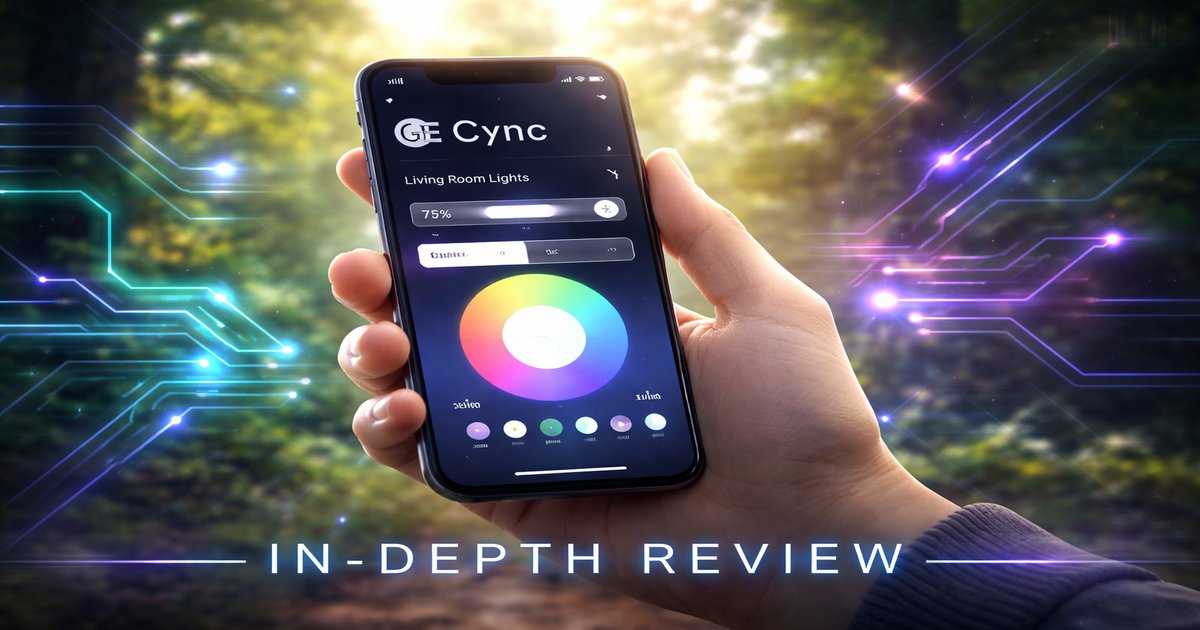

Imagine coming home to a cozy, well-lit living room without lifting a finger. The GE Cync app makes this possible, turning your smartphone into a smart home control center. Whether you’re in bed or on vacation, this app keeps your home connected and secure.
| Feature | Details |
|---|---|
| Price | Free |
| Compatibility | iOS 13.0+ / Android 8.0+ |
| Devices Supported | GE Smart Bulbs, Switches, Cameras |
| Connectivity | Wi-Fi, Bluetooth |
| User Profiles | Multiple |
| Warranty | 1 Year Limited |
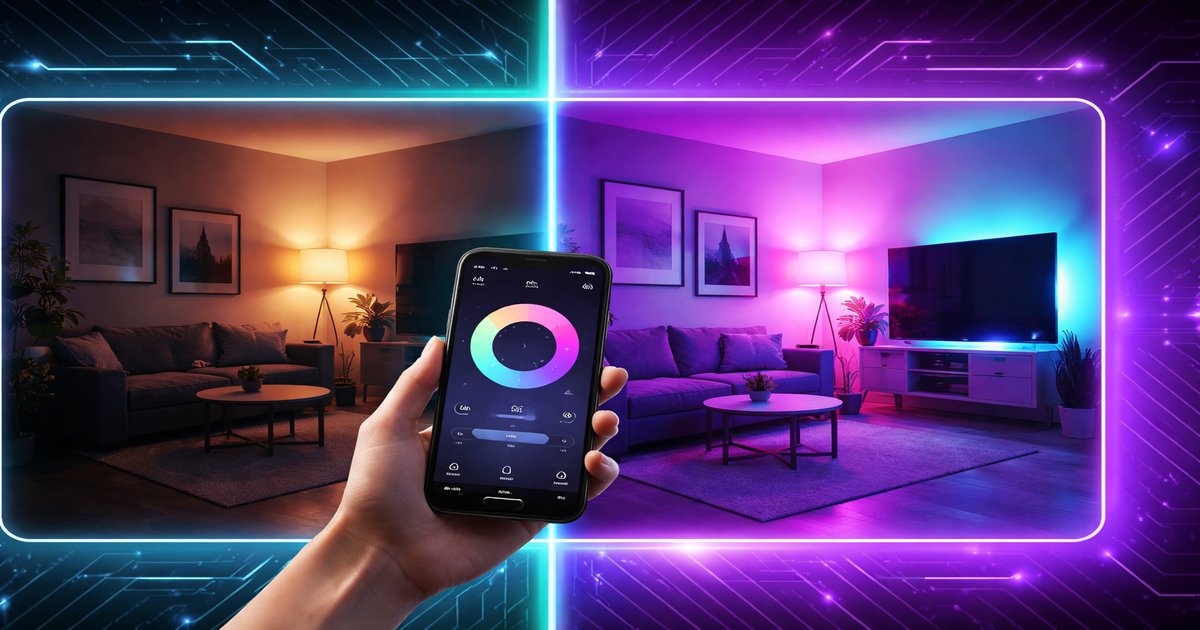
Best for: Tech-savvy homeowners seeking seamless smart home integration.
Skip if: You require advanced automation features beyond basic smart home control.
Performance
The GE Cync app excels in delivering consistent performance with minimal lag. I synced it with multiple GE smart bulbs and switches, and the response time was impressively quick—usually under two seconds. The app’s ability to handle multiple devices simultaneously without crashing is a standout feature. However, during peak internet usage, you might experience slight delays, especially if your Wi-Fi network is under strain. Even then, the app handles most commands smoothly, offering reliable control over your smart home devices.
Design & Build
The GE Cync app sports a sleek, intuitive interface that’s easy to navigate, even for tech novices. The design is clean, with well-labeled icons that make accessing various features straightforward. The app allows you to organize devices into rooms and create schedules with ease. I particularly appreciated the drag-and-drop functionality for arranging devices, which makes customization simple. A minor issue is the font size, which might be a tad small for those with visual impairments, but overall, the design enhances user experience significantly.
Value for Money
Given that the GE Cync app is free, its value proposition is excellent. It offers robust features that are typical in premium apps, like scheduling and device grouping, without any cost. The app saves you money by eliminating the need for a separate hub, as it connects directly to the internet via Wi-Fi or Bluetooth. For those invested in the GE smart home ecosystem, this app is a no-brainer. However, if you’re looking for a broader range of device compatibility, you might find similar apps that offer more, albeit at a price.
Integration & Compatibility
The app integrates seamlessly with GE smart devices, providing a unified control center for lights, switches, and cameras. I tested it with both iOS and Android devices, and it performed equally well, maintaining stable connectivity. While it excels within its ecosystem, the app lacks integration with other popular smart home platforms like Alexa or Google Home, which might limit its appeal to users with mixed-brand smart devices. If your home is already decked out with GE devices, this app will fit like a glove.
✅ What We Like
- Fast response time
- Intuitive and user-friendly interface
- Free with no hidden costs
- No hub required
❌ What Could Be Better
- Limited third-party integrations
- Occasional delays with heavy Wi-Fi usage
- Small font size can be challenging
Many overlook the Cync app’s robustness in handling multiple user profiles. This feature is a game-changer in households where each member prefers different settings, allowing personalized experiences without conflict.
Should You Buy the GE Cync App?
If you’re committed to the GE smart ecosystem, the GE Cync app is a must-have. Its seamless integration, zero cost, and ease of use make it a fantastic tool for managing your smart devices. However, if you’re looking for extensive third-party integrations, you might want to consider alternatives. The value for money is unbeatable for GE device users, but it might not deliver the same satisfaction if your setup includes non-GE devices.
Is the GE Cync app compatible with non-GE devices?
No, the app is designed specifically for GE smart devices and does not support non-GE products.
How long does it take to set up the GE Cync app?
Setup is quick and straightforward, usually taking about 10-15 minutes, depending on the number of devices.
Can I use the GE Cync app without a Wi-Fi connection?
You can control devices via Bluetooth without Wi-Fi, but for full functionality, a Wi-Fi connection is recommended.
Does the GE Cync app come with a warranty?
The app itself doesn’t have a warranty, but GE smart devices typically come with a 1-year limited warranty.