
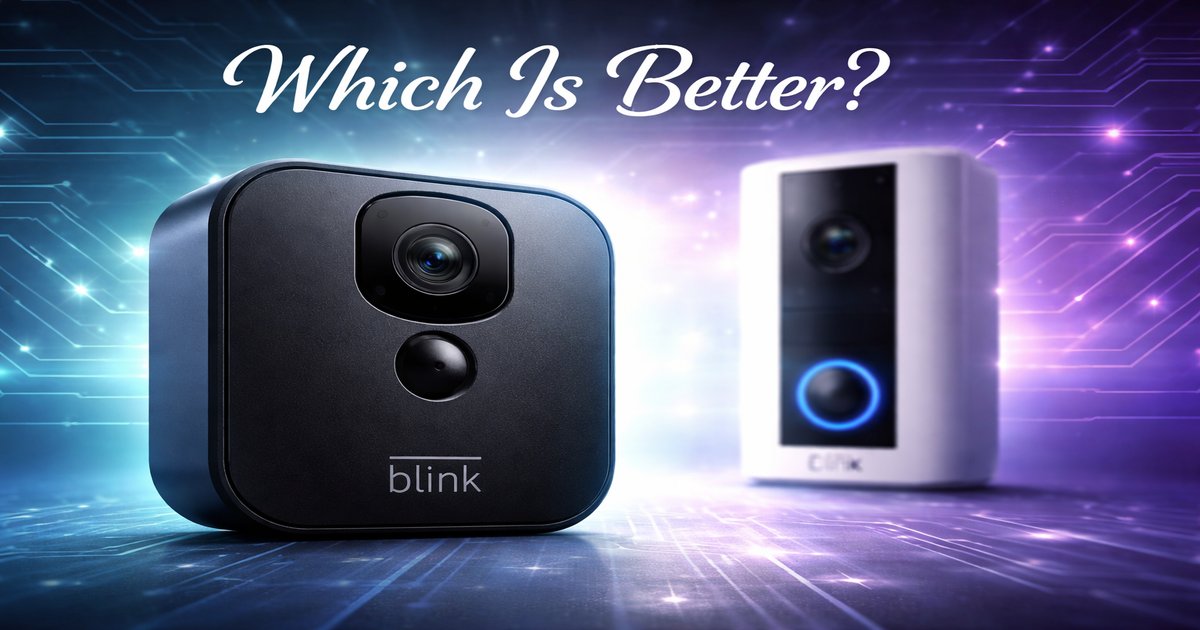

You’re finally setting up your home with smart devices, and the first step is a video doorbell. But with so many options, how do you choose between Google’s offering and Blink’s? Let’s break them down so you get the best bang for your buck.
| Feature | Google Doorbell | Blink Doorbell |
|---|---|---|
| Video Quality | 1080p HD | 1080p HD |
| Field of View | 145° | 135° |
| Smart Home Integration | Google Assistant | Amazon Alexa |
| Installation Type | Wired/Battery | Wired/Battery |
| Price | $129 | $99 |
| Cloud Storage | Subscription | Subscription |
| Local Storage | ✗ | ✓ (with Sync Module 2) |
✅ google doorbell Pros
- Excellent video quality with HDR.
- Seamless integration with Google ecosystem.
- Facial recognition feature.
❌ google doorbell Cons
- No local storage option.
- Higher price point.
✅ blink doorbell Pros
- More affordable price.
- Compatible with Alexa for voice commands.
- Local storage with Sync Module 2.
❌ blink doorbell Cons
- Lower field of view compared to Google.
- No facial recognition.
Performance and Video Quality
Both doorbells deliver 1080p HD video, but Google’s option shines with HDR, providing clearer images in varied lighting conditions. If you’re in a neighborhood with harsh sunlight or lots of shadows, this can make a significant difference. Blink offers good quality, but without HDR, the video may lack detail in extreme lighting. However, for most standard settings, Blink’s video quality will suffice, especially given its lower price.
Smart Home Integration
Your smart home assistant preference might guide this decision. Google Doorbell is a no-brainer if you’re already embedded in the Google ecosystem. It integrates smoothly with Google Assistant for effortless voice commands. Blink, on the other hand, fits seamlessly into Amazon’s ecosystem. If you’ve got Alexa devices throughout your home, Blink is the more convenient choice. Your current setup could be your decision’s tipping point.
Value for Money
Blink undercuts Google in price, making it appealing for budget-conscious buyers. But consider the added features of the Google Doorbell, like HDR and facial recognition. These can justify the higher cost if you need them. Blink, with its option for local storage, saves you from ongoing cloud storage fees, adding long-term savings. Evaluate your priorities—whether it’s upfront cost, ongoing fees, or specific features.
Most reviews gloss over installation realities. Both doorbells offer wired or battery options, but the Google Doorbell’s battery can be a hassle to recharge frequently if your door sees a lot of action. Blink’s local storage option isn’t just a perk; it’s a lifesaver for those wary of monthly fees, but requires the extra purchase of the Sync Module 2.
Our Final Verdict: Which One Should You Buy?
If you’re a Google fan with no qualms about spending extra for top-notch features, the Google Doorbell will be a valuable addition, especially if you’re keen on facial recognition and HDR video. But if you’re watching your budget and prefer the flexibility of local storage, Blink is a solid choice, particularly if you’re already using Alexa devices. It’s the smart pick for savvy spenders who like simplicity with essential features.
Is the Google Doorbell compatible with non-Google smart home systems?
It primarily integrates with Google Assistant and other Google services. Third-party integration may be limited.
Can Blink Doorbell work without a subscription?
Yes, Blink offers local storage with the Sync Module 2, so you don’t have to rely on cloud subscriptions.
How often do the batteries need charging?
For both doorbells, expect to recharge every few months, depending on usage. Google may require more frequent recharges if used intensively.