

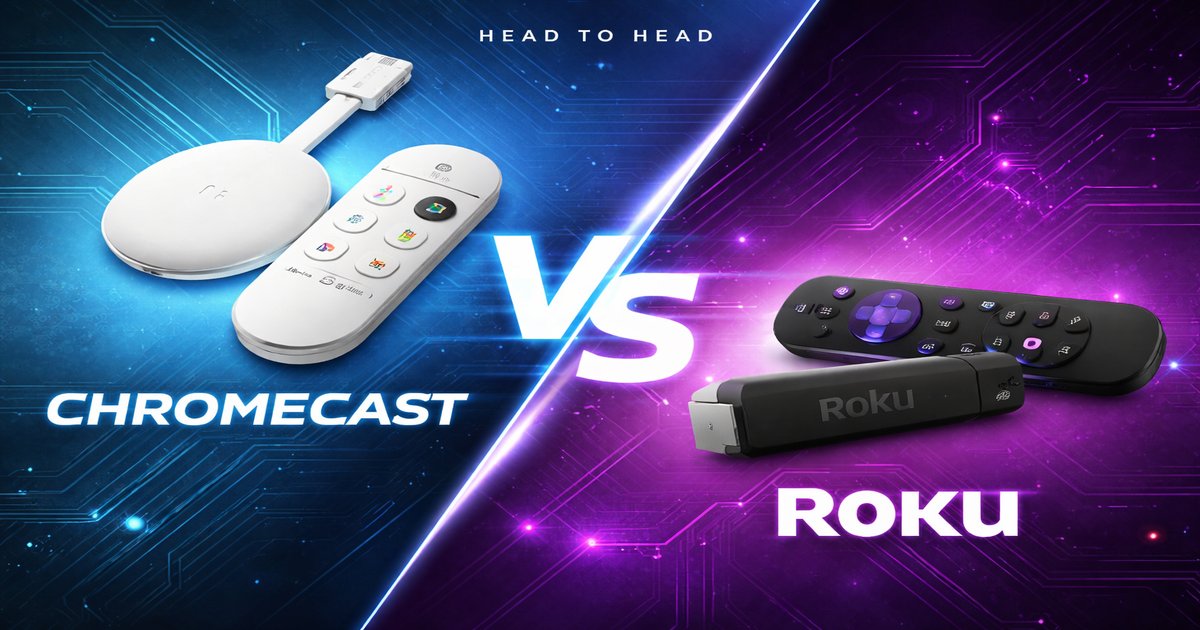

You’re settling in for a movie night, and the last thing you want is to fumble with your TV settings. You’re torn between Chromecast and Roku—two titans in the streaming world. Which will make your binge-watching seamless and hassle-free?
| Feature | Chromecast | Roku |
|---|---|---|
| Price | $49.99 | $39.99 |
| 4K Streaming | ✓ | ✓ |
| Integrated Voice Control | ✓ | ✓ |
| Remote Control | ✗ | ✓ |
| Compatible Apps | Thousands | Thousands |
| Ethernet Support | ✗ | ✓ |
| Bluetooth Audio | ✗ | ✓ |
✅ Chromecast Pros
- Seamless integration with Google ecosystem
- Excellent for casting from mobile devices
- Compact and easy to hide behind the TV
❌ Chromecast Cons
- No dedicated remote control
- Requires a good Wi-Fi connection
- Limited offline capabilities
✅ Roku Pros
- Comes with a user-friendly remote control
- Supports Ethernet for stable connections
- Wide range of channels and apps
❌ Roku Cons
- UI can be cluttered with ads
- Slower interface compared to Chromecast
- Doesn’t integrate as seamlessly with Google services
Performance and Speed
Chromecast is a powerhouse when it comes to speed and fluidity, especially if you’re a Google ecosystem fan. Cast from your phone, and boom—it’s on the TV with minimal lag. However, if you rely on Wi-Fi, any hiccup in your connection can ruin the experience. Roku, while slightly less snappy, keeps things stable, especially with its Ethernet option. You might notice a slight delay in app loading, but it compensates with a reliable connection and fewer interruptions.
Ease of Use
Ease of use is a toss-up depending on your tech comfort level. Chromecast’s lack of a remote is a blessing if you’re glued to your phone, but it can be a curse if you’re not. If you have guests or family who aren’t tech-savvy, Roku’s simple remote and straightforward interface will save you a headache. Chromecast demands a little tech-savvy, whereas Roku is like the friendly neighbor who’s always ready to help.
Value for Money
Roku is the budget-friendly champ, offering more bang for your buck with its remote and Ethernet support for those iffy Wi-Fi zones. Chromecast, on the other hand, is perfect if you’re deeply invested in Google’s ecosystem and don’t mind paying a bit extra for smoother integration. Both offer 4K streaming, but if you’re looking to save or need a reliable connection, Roku edges out slightly.
Chromecast is fantastic if you’re all in with Google, but you’ll miss out on a remote, which is a pain if your phone’s battery dies. Roku’s interface can feel cluttered with ads, detracting from the user experience. Both struggle a bit with niche app support, so check if your favorites are available.
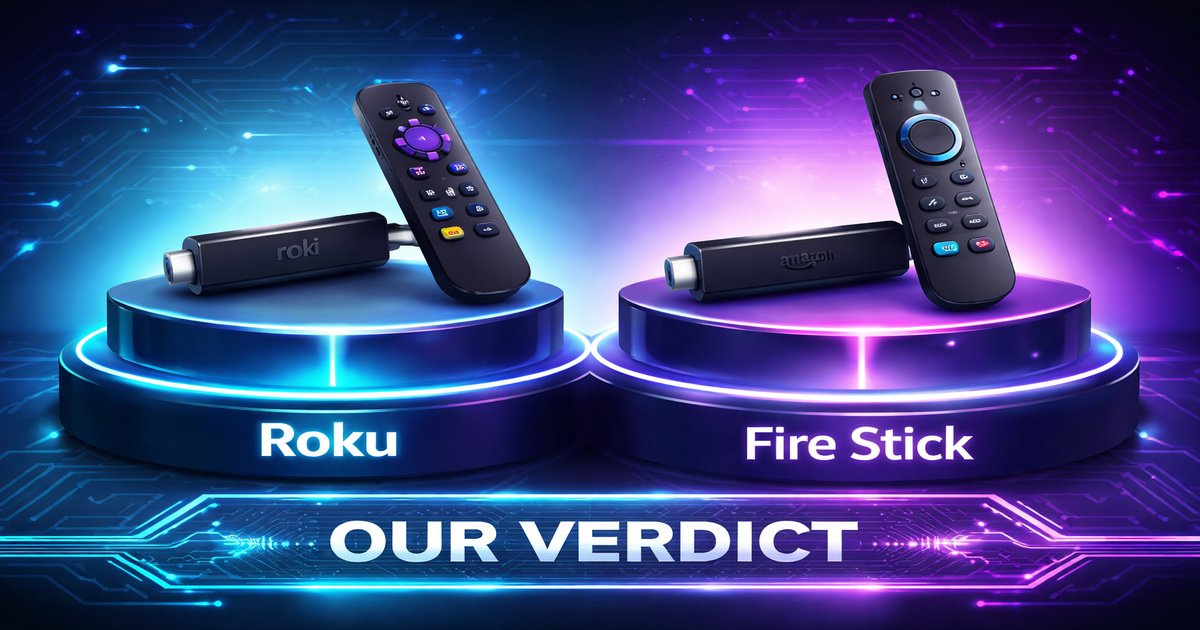
Our Final Verdict: Which One Should You Buy?
If you live and breathe Google, Chromecast will feel like an extension of your phone. It’s perfect for tech-savvy users who want seamless casting. For those who prioritize ease of use, affordability, and stable connections, especially in Wi-Fi-challenged homes, Roku is your go-to. It’s ideal for families or anyone who values simplicity with a physical remote.
Does Chromecast work with Apple devices?
Yes, Chromecast can work with Apple devices using apps that support casting, but it’s not as seamless as with Android devices.
Is Roku compatible with older TVs?
Yes, as long as your TV has an HDMI port, the Roku can connect and function properly.
How durable are these devices?
Both Chromecast and Roku are built to last, with robust hardware. Keep them in a well-ventilated area to avoid overheating.